Insight at a glance
Key Takeaways
- Custom Azure AI: trained on your docs, processes, and tribal knowledge — not generic chat
- Onboard faster: answers, walkthroughs, and “show me how we do X here” in flow of work
- Reduce mentor load by capturing repetitive Q&A into a scoped, governed companion
- Usage-based cost stays modest when grounded on your own knowledge base vs broad model calls
- Start with one high-turn or high-interruption workflow, then expand
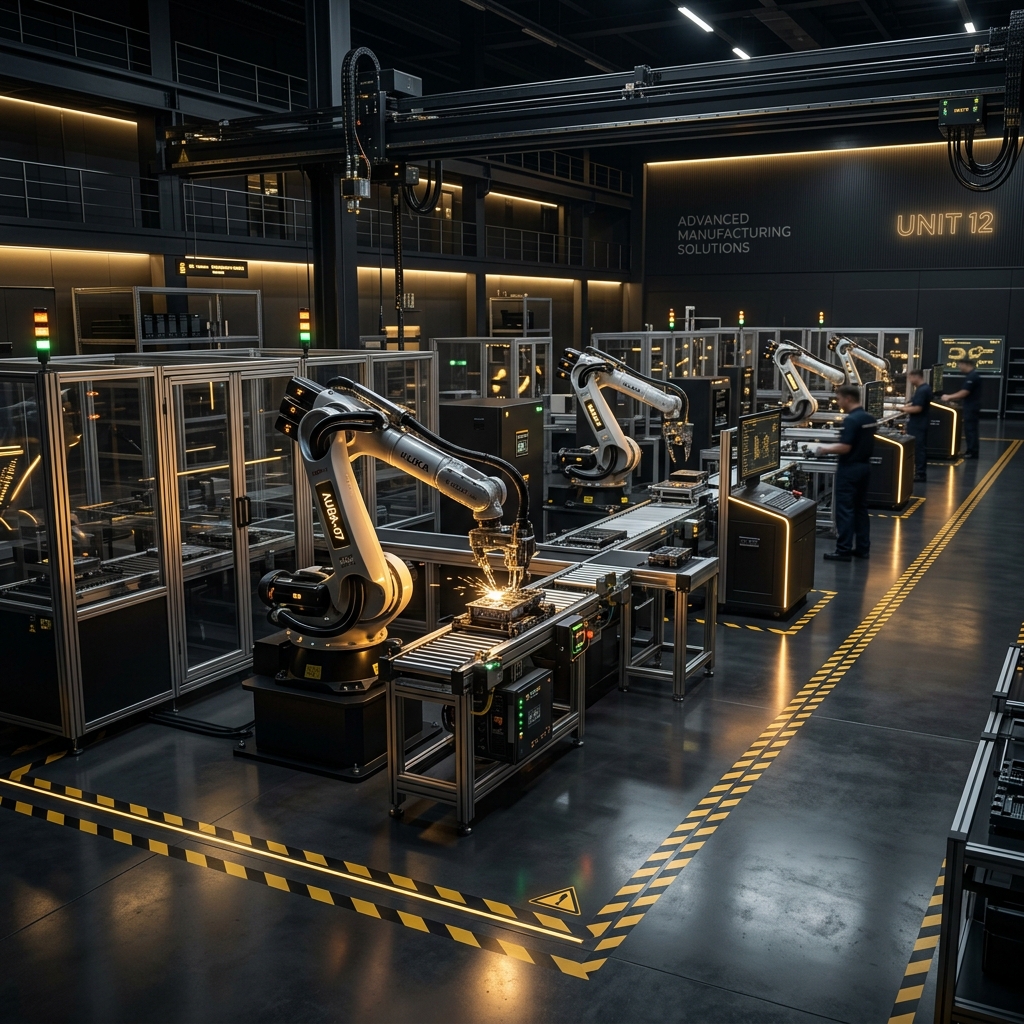
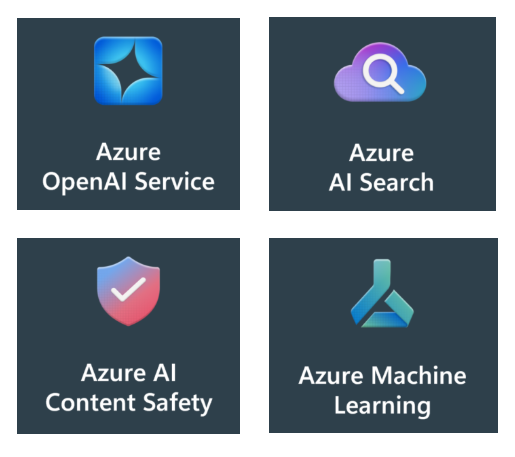
Modern business teams are increasingly turning to AI—not just for automation, but for real-time support, training and knowledge transfer. A custom Azure Ai Assistant can fill many gaps. Whether it’s helping new hires get up to speed or answering customer questions about products, a custom-trained AI assistant can reduce onboarding time, improve service, and free up your team. Where most people get stuck is trying to figure out how to start working with Ai tools and privacy issues. We have heard many business people throw their hands up and say they just don’t know where to start. What is good about this article is that it gives you the start and basics you are looking for using Azure Ai Services as the example.